APPLE TV · tvOS APP BUILDER

Create an Apple TV App
Without Swift

Apple TV commands the most valuable streaming audience on any platform - affluent, subscription-ready, and intensely loyal. 48 million US viewers. 36% engagement growth year-over-year. Your branded tvOS app, live on the biggest screen in their home.

✓ tvOS 26 compatible ✓ Apple App Store certified ✓ 7-day free trial on paid plans ✓ Sign in with Apple supported
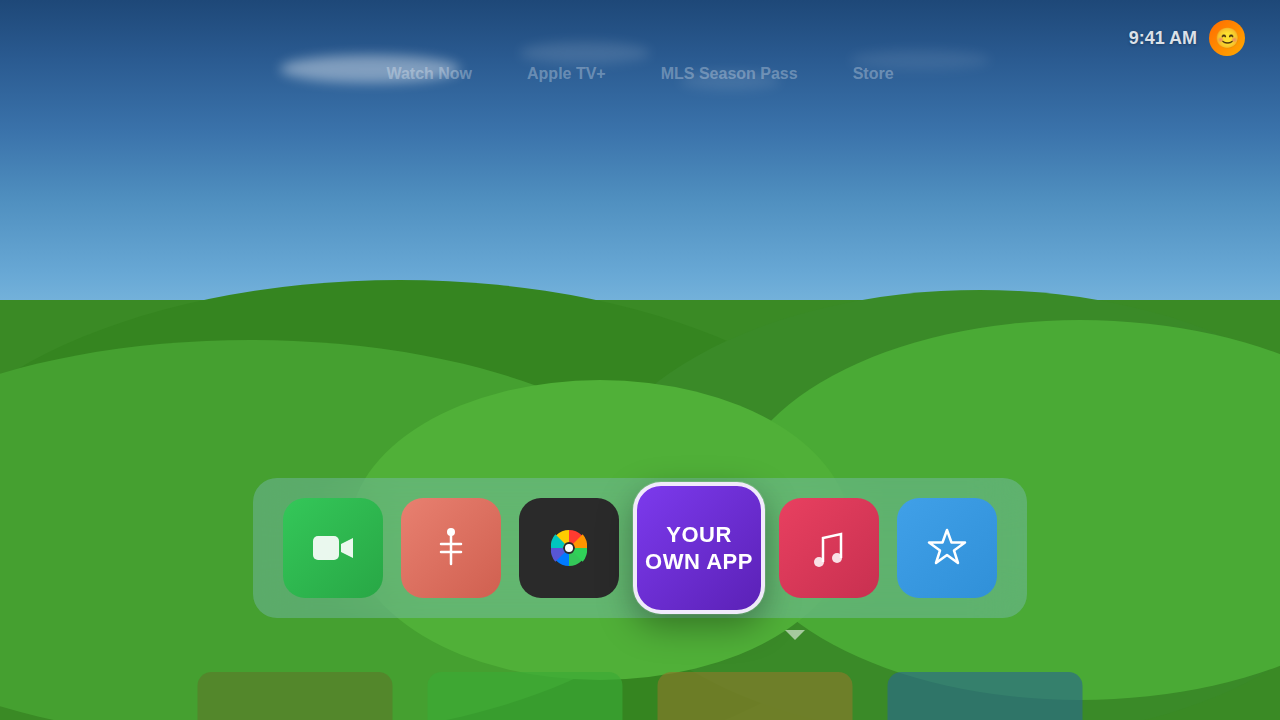
Branded Apple TV app on TV screen
HOW IT WORKS

How to Create an Apple TV App

Five steps from your video library to the App Store. You bring the content and the brand; OTTEngine does the tvOS development.

1

Prepare your content and brand

You provide

Videos you have the rights to distribute, your logo and artwork, and an app name and description.

OTTEngine handles

Importing your library, transcoding it to HLS and organizing it into rows and categories.

2

Set up your Apple account

You provide

An Apple Developer Program account in your name, so the app and its App Store listing belong to you. Apple bills this yearly.

OTTEngine handles

Walking you through enrolment, signing and the details Apple asks for.

3

Configure the app

You provide

Your layout and branding choices, and how you want to earn: subscriptions, ads or rentals.

OTTEngine handles

Building the native tvOS app, with Apple in-app purchase and ads from your VAST tags wired in.

4

Test it on a device

You provide

A review of the app before it goes to Apple.

OTTEngine handles

Testing playback, Siri Remote navigation and App Review's requirements.

5

Submit and maintain

You provide

Your go-ahead to publish.

OTTEngine handles

Packaging and submitting to App Review, handling feedback, and rebuilding when Apple sets a new SDK requirement date.

What you need before you start

  • Content you have the rights to distribute
  • Your logo and app artwork
  • An app name and a short description
  • An Apple Developer Program account in your name
  • How you want to earn: subscriptions, ads or rentals

App Review is the step most teams underestimate. Our tvOS submission guide covers what reviewers check. Viewers on the move? The same catalog runs as an iPhone and iPad app.

PRICING

How Much Does Apple TV App Development Cost?

An Apple TV app starts at $79 a month in US dollars on Studio, which includes 1 platform (TV, mobile or web), such as Apple TV; larger plans add platforms, storage and features. A website with no app is $49 a month on Web Only.

Studio planIncludedIf you need more
Platforms1 platform (TV, mobile or web), such as Apple TVBroadcast includes 2, then $79/month per extra platform
24/7 FAST or linear channels1$79/month per extra channel
Storage250 GB$0.050 per extra GB
Watch time1,500 hours a month$0.060 per extra hour
Subscribers/transactions, website and app stores together, with or without CSM100Then $0.40 each a month
Active A/B tests510 on Broadcast, 20 on Broadcast Network, 50 on Enterprise
Add-onsOptionalFrom $99/month, such as caption translation or recommendations
Setup fee and contractNone; cancel anytime-

Prices in USD. Compare all plans or estimate your cost.

Can I build an Apple TV app for free?

Apple charges a yearly fee for the Apple Developer Program, and running a streaming app costs money whatever you build it with. OTTEngine covers the build, submission and hosting, and you can try it free for 7 days on Studio or higher. A card is required to start the trial, and you can cancel anytime during it. Our Free plan covers video hosting and embeds, with no app.

Apple TV app or tvOS app?

The same thing. tvOS is the operating system on Apple TV hardware, so a tvOS app is what viewers install from the App Store on their Apple TV.

OTT ENGINE · APPLE TV APP BUILDER

Everything you need to go live on tvOS - without writing a line of Swift

Building a native tvOS app the traditional way means hiring Swift developers, navigating Xcode and App Store Connect, managing provisioning profiles and certificates, and spending months in Apple's App Review process. OTTEngine removes every part of that. Our Apple TV App Builder generates a fully native tvOS application from your content library and brand assets - no Xcode, no Swift, no waiting.

Once your app is built, we guide you through every step of Apple App Store submission - from provisioning and signing to App Review compliance. When Apple sets a new SDK requirement date for App Store Connect uploads, OTTEngine handles the rebuild and resubmission automatically. Your app stays in the Store, stays compliant, and stays current without your team lifting a finger.

  • Native tvOS app - not a web wrapper
  • 4K, Dolby Vision, and HDR10+ video delivery
  • Dolby Atmos spatial audio support
  • Apple App Store submission - fully guided
  • Sign in with Apple subscriber authentication
  • Apple In-App Purchase (SVOD + TVOD) integration
  • Cross-device sync (Apple TV ↔ iPhone ↔ iPad ↔ Mac)
  • Continuous tvOS SDK compliance - we handle every Apple update
KEY FEATURES

Built for tvOS. Crafted for the premium streaming experience.

Your brand. Apple TV's cinematic canvas.

Full white-label design following Apple's Human Interface Guidelines for tvOS - your logo, your content shelves, your color identity. Every viewer sees a polished, native experience that feels like it belongs on Apple TV, because it genuinely does.

Cinema-grade quality. Adaptive delivery.

Stream at up to 4K with Dolby Vision HDR and HDR10+. OTTEngine's HLS delivery pipeline adapts to each viewer's connection speed in real time - maximizing quality without buffering, on every Apple TV model.

Subscribe with Face ID. No checkout friction.

Your subscribers pay using their Apple ID - no forms, no card entry, no redirect to a payment page. Apple's In-App Purchase handles recurring billing, free trials, and family sharing natively. The lowest-friction subscription experience in any CTV app.

Start on Apple TV. Continue on iPhone.

Subscribers who start watching on Apple TV can resume exactly where they left off on iPhone or iPad - and vice versa. OTTEngine syncs watch history, preferences, and subscription state across every device in the Apple ecosystem.

Know your tvOS audience precisely.

Track views, completion rates, subscription conversions, and device breakdown by Apple TV model, iOS version, and geography. Unified with analytics from your other platform apps - all in one dashboard.

MONETIZATION

Three ways to earn revenue on Apple TV

SVOD

Subscription Video on Demand - charge monthly or annually through Apple In-App Purchase. One-tap subscription with Face ID or Touch ID. Apple handles billing, renewals, and failed payment recovery. Best for content libraries with recurring releases and a growing subscriber base.

TVOD

Transactional Video on Demand - charge per title to rent or buy individual movies, specials, or live events. Apple In-App Purchase handles the transaction natively. Best for premium films, pay-per-view events, or titles you want to sell alongside a free or subscription base.

AVOD

Ad-Supported Video on Demand - free content funded by pre-roll and mid-roll advertising. Best for audience-first growth strategies and FAST-style channels.

WHY APPLE TV

The premium streaming audience - on the world's best hardware

Apple TV users pay more, subscribe more, churn less.

Apple TV attracts a smaller but dramatically more valuable audience than any other CTV platform. tvOS users make more in-app purchases, maintain subscriptions longer, and represent the highest-income demographic in connected TV. For publishers, every subscriber is worth more.

48 million viewers. 36% engagement growth in one year.

Apple TV US viewership is projected to reach 48 million by end of 2026 - with December 2025 setting a new all-time record for monthly engagement, up 36% year-over-year. The platform is growing faster than its hardware install base, driven by cord-cutters upgrading to premium streaming.

Apple TV subscribers also watch on iPhone, iPad, and Mac.

A tvOS app gives your subscribers seamless access across all Apple devices - Apple TV, iPhone, iPad, and Mac - under a single subscription. Apple's ecosystem creates frictionless viewing continuity that keeps subscribers engaged across every screen they own.

FAQ

Apple TV App Builder - Common Questions

Most OTTEngine clients have their Apple TV app built and submitted within about a week. Apple's App Review then typically takes 24–48 hours for streaming apps that meet their guidelines, which OTTEngine is built to satisfy on first submission.

Yes - an Apple Developer account ($99/year) is required to publish on the App Store. OTTEngine guides you through account setup as part of onboarding. All provisioning profiles and signing certificates are managed by our platform on your behalf.

Yes. Hybrid monetization is fully supported - for example, a subscription library alongside individual title purchases. Apple's In-App Purchase system supports both within the same app. OTTEngine configures both flows natively.

VOD (movies, TV shows, short-form), live streaming events, and scheduled linear broadcasts are all supported. Content must comply with Apple's App Review Guidelines, which include content rating requirements for mature content and restrictions on explicit material.

Yes. Apple sets dated requirements for which SDK an app must be built with before it can be uploaded to App Store Connect, and those dates move with each tvOS release. OTTEngine handles the rebuild and resubmission. Your app stays compliant.

Yes. We can migrate your content, metadata, and subscriber records from an existing tvOS app. The Enterprise plan includes migration support: contact us to plan your move.

Yes. OTTEngine builds your tvOS app with universal Apple compatibility - a single subscription grants access across Apple TV, iPhone, iPad, and Mac. Watch history and preferences sync across all devices via iCloud. This dramatically increases the value of each subscriber.

Apple takes a 30% commission on In-App Purchases and subscriptions in year one, reducing to 15% from year two onward for subscribers retained longer than 12 months. This applies to all tvOS app revenue billed through Apple's IAP system. External billing (e.g., web subscriptions) is not subject to this fee but cannot be promoted inside the app under Apple's guidelines.

Yes - and this is one of OTTEngine's core strengths. The Broadcast Network plan includes 4 platforms (TV, mobile or web), so Roku, Fire TV, and Apple TV run side by side with room for one more, managed from a single CMS dashboard. Content published once syncs across all your apps. You manage your library, scheduling, and analytics in one place, for every platform, at once.

An Apple TV app starts at $79 a month in USD on Studio, which includes 1 platform (TV, mobile or web), with 250 GB of storage and 1,500 watch hours a month. Every paid plan comes with a 7-day free trial, no setup fees and no long-term contract. Broadcast, Broadcast Network and Enterprise add platforms, storage, watch time and features.

Yes. Apple TV apps are published through App Store Connect, and the Apple Developer Program account should be in your name so the listing belongs to you. Apple bills the programme yearly. OTTEngine walks you through enrolment and handles the technical submission work.

ALSO AVAILABLE ON

OTTEngine supports every major platform

Enterprise includes all nine platforms - one dashboard, every screen.

GET STARTED

48 million Apple TV viewers are looking for their next favorite app.

OTTEngine builds, certifies, and maintains your tvOS app - so you can focus on the content that earns their loyalty.