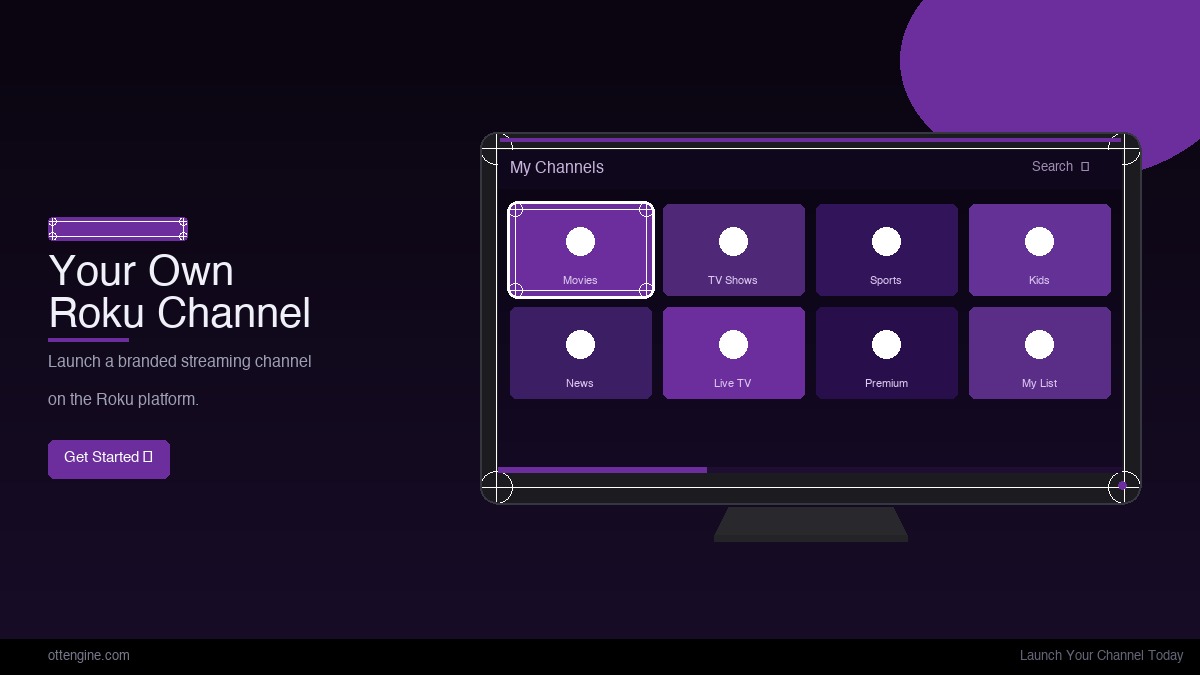
Launching a Roku channel sounds intimidating, but with the right tooling a focused team can go from zero to a live listing in the Roku Channel Store in seven days. This guide walks through the exact day-by-day plan we use with OTTEngine customers, so you know what to prepare and where the time really goes.
Day 1 - Account setup and content audit
Start by creating your free Roku developer account at developer.roku.com. Verification can take a few hours, so do this on day one even if you are not yet building.
While you wait, do a content audit. A focused launch with 10–20 well-organized titles outperforms a bloated catalog of 500 unsorted clips every single time. Decide on three or four content shelves (Featured, New, Series, Categories) and map every title to one.
Lock your brand kit: logo SVG, hex palette, channel name, one-line description, and 540x405 + 290x218 channel icons. Roku requires these specific sizes - do not rely on an upscale.
Days 2–3 - Content upload and transcoding
Upload your masters or connect your existing object storage (S3, GCS, Azure Blob). A managed Roku channel builder like OTTEngine will transcode to Roku-compliant HLS at four to six bitrates automatically, generate I-frame playlists, and validate captions.
Roku certification requires HLS with TS or fragmented MP4 segments, AAC-LC stereo audio at 128 kbps minimum, and H.264 High Profile up to 1080p. 4K HEVC is allowed but adds review time - skip it for a v1.
- Generate four bitrate ladder rungs at minimum: 400 kbps, 1.2 Mbps, 2.5 Mbps, 5 Mbps.
- Include a 6-second segment duration for smoother ABR switching on older Roku models.
- Deliver captions as embedded CEA-608/708, WebVTT inside the HLS stream, or a supported sidecar such as SMPTE-TT. Roku's certification requires captions wherever the law does, which for US programming means the FCC's captioning rules.
Pro tip: launch your FAST channel alongside your VOD channel. Free, linear streaming has the lowest friction for discovery on Roku and seeds your audience for any subscription tier you launch later.
Days 3–4 - Channel UI and monetization
Use a no-code visual builder to assemble your home screen, content shelves, search, and detail screens. This is where most teams used to spend three months writing BrightScript - a builder collapses it to an afternoon.
Pick your monetization model now, not later. SVOD requires a Roku Pay or Stripe integration plus a paywall screen, AVOD requires a VAST endpoint and a tested SSAI vendor, and FAST requires an EPG feed. Mixed models work but expand certification scope.
Day 5 - Packaging and Channel Store submission
Generate your signed channel package (a .zip with manifest, source, and assets). Upload it through the Roku Developer Dashboard, fill in the Channel Store listing (name, description, search terms, age rating, category), and attach four 16:9 marketing screenshots at 1280x720.
Submit for certification. Roku reviews the package against its certification checklist - readable text contrast, error handling on stream failure, working back navigation, captions toggle in the player, and a working paywall if applicable.
Days 6–7 - Review, fixes, and go-live
Roku's first review typically lands within 24–48 hours. If it passes, your channel goes live in the Channel Store and is discoverable through search and recommendations.
If it fails, the rejection email cites specific certification numbers. Most first-time rejections are tiny: a missing screenshot at 540x405, a contrast ratio under 4.5:1 on a CTA, or a broken back button on the detail screen. Fix and resubmit within a day.
What it actually costs
Roku does not charge a listing fee. Your real costs are content rights, transcoding/storage, your channel builder or developer hours, and (if SVOD) Roku Pay's 20% revenue share or Stripe's ~3%. A bootstrapped launch can be done for under $500/month in infrastructure once content is in hand.
The bottom line
The seven-day timeline is real and repeatable. The biggest variables are content prep and how quickly your team completes the Roku developer account verification. To get started, start a free trial and set up your channel with your own content.
Frequently Asked Questions
How much does it cost to publish a Roku channel?
Roku does not charge a listing fee. You pay only for content hosting, transcoding, and (for paid channels) Roku Pay's 20% revenue share or your own payment processor.
Can I publish a Roku channel without coding?
Yes. Managed builders like OTTEngine generate the BrightScript and SceneGraph code for you, so non-developers can ship a fully native Roku channel.
How long does Roku certification take?
First-time submissions typically receive a response within 24–48 hours. If rejected, fixes and resubmissions are usually reviewed in another 24 hours.
Do I need DRM for my Roku channel?
Only if your content rights require it. User-generated, original, or PD content can stream unprotected over HLS. Licensed studio content almost always requires PlayReady DRM on Roku.
What is the minimum content library size for a Roku channel?
Roku does not enforce a minimum, but channels with fewer than five titles often fail the user-value portion of certification. Aim for at least 10 titles at launch.